
Nitecore MT2A Pro - Kompakti ja suorituskykyinen EDC-taskulamppu (ladattava/2xAA)
The product is temporarily out of stock. Approximately 3 - 15 days from the order, at the earliest 7.11.2026. The reliability of the estimation is good.
Detailed availability
Notify me when this product is in stock again
Product description
 — Show original
Nitecore MT2A Pro – Compact and high-performance EDC flashlight
Are you looking for a small yet exceptionally powerful flashlight for everyday use, hiking, or professional use?
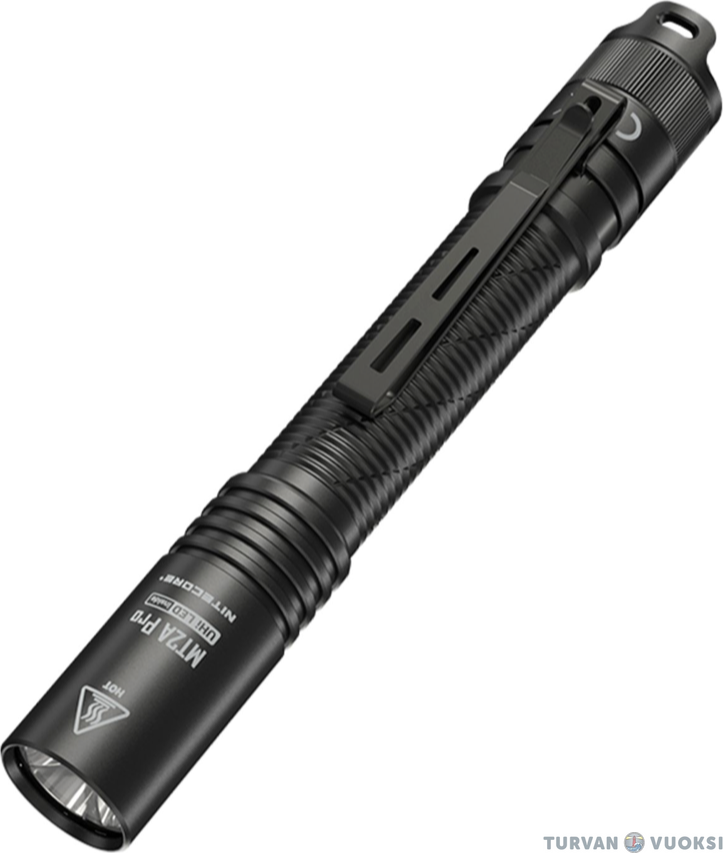
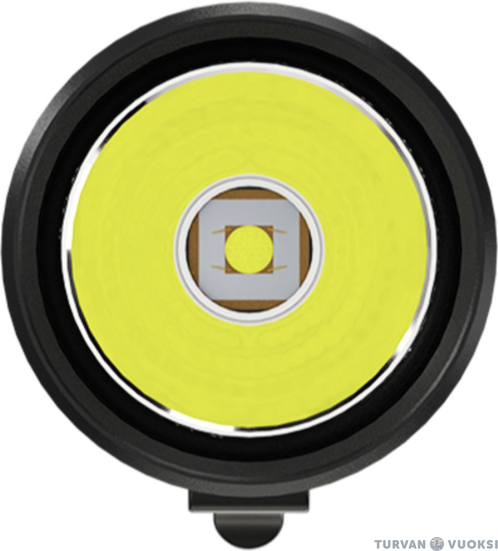
The Nitecore MT2A Pro elevates the performance of AA-sized flashlights to a new level. Equipped with a high-performance 20W UHi LED, the light delivers a maximum output of 1,000 lumens and a hybrid beam with a 255-meter range that also precisely illuminates the immediate surroundings.
The flashlight's greatest asset is its versatile power source: it runs on the included rechargeable battery (offering a runtime of over 20 hours) or two standard AA batteries. Even when using AA batteries, the MT2A Pro delivers an impressive 500-lumen output, ensuring you won't be left in the dark even when a charging option isn't available.
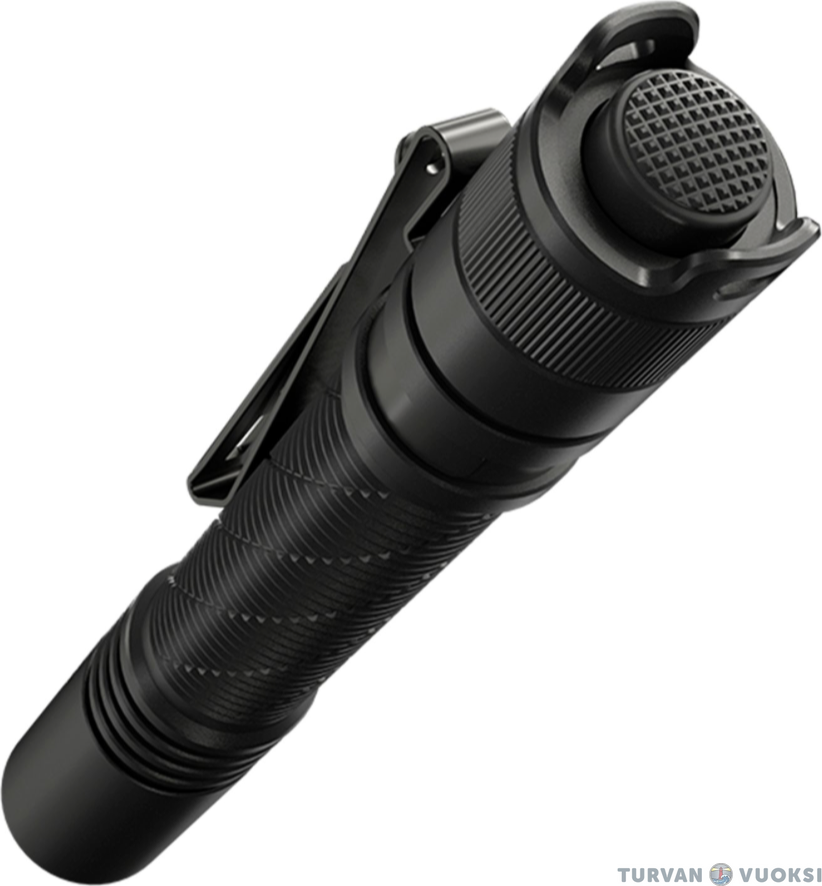
Functions are controlled via a tactical tail switch , ensuring reliable and rapid operation in any situation . Its shock-, water-, and dust-resistant construction ensures that the MT2A Pro withstands heavy use, whether at work or during leisure activities.
Key features:
- Top-tier performance: Max. 1,000 lm output and 255 m range with the included rechargeable battery (max. 500 lm with AA batteries).
- Flexible power source: Operates on a rechargeable battery or two standard AA batteries.
- Tactical tail switch: Three power modes easily and quickly accessible with one hand.
- Long operating time: Up to over 20 hours of continuous runtime on battery power.
- Extreme durability: Fully dust- and waterproof construction (IP68) and a shock-resistant body.
- Compact EDC size: Lightweight and easy to carry with you at all times in a pocket or with your gear.
- Long warranty: Nitecore provides a 5-year (60-month) warranty for the light.
- The Nitecore MT2A Pro is a reliable and powerful companion for anyone demanding maximum performance and operational reliability from a pocket-sized flashlight.
Scope of delivery
- Nitecore MT2A Pro
- 1 x 14100, 1600 mAh Li-ion battery
- USB-C charging cable
- Pocket clip
- Wrist strap
- Spare O-ring
- Instructions for use (EN)
Technical specifications
- Make and model: Nitecore MT2A Pro
- Battery: 14100, 1600 mAh Li-ion (included) OR 2 x AA batteries (not included)
- Manufacturer-stated light output: 1000 lm
- Manufacturer-specified range: 255 m
- Beam pattern: Combo
- Operating modes: 3
- Switch: Tactical tail switch
- Charging: USB-C (cable included)
- Material: Hard-anodized aluminum
- Dimensions: 142.8 x 19.7 (Length x Width)
- Weight: 40 g
- Impact resistance: 1 m
- IP rating: IP68
- Withstands continuous immersion to a depth of 2 meters.
- Warranty: 60 months
- Operating times (specified by the manufacturer)
- With Nitecore NL146R battery (included)
- High: 1000 lm / 1 h 30 min / 255 m
- Mid: 300 lm / 2 h 45 min / 148 m
- Low: 50 lm / 20 h / 58 m
- Powered by 2 x AA batteries (not included)
- High: 500 lm / 2 h / 188 m
- Low: 60 lm / 11 h / 68 m
Quick Start Guide
- Operation and power mode selection:
- Power (On/Off): Press the tail switch all the way down to turn the light on or off.
- Changing output modes: With the light on, lightly press the tail switch halfway to cycle through the brightness levels. The modes cycle in the order: Low -> Mid -> High.
- Memory function: The light remembers the last used power mode and turns on at the same setting when restarted. - Charging the battery
- Charging: Unscrew the flashlight body and remove the battery. Connect the USB-C charging cable directly from the battery's charging port to a power source (e.g., a mains adapter, power bank, or computer).
- Charging indicator: The indicator light on the battery glows red during charging and turns green when the battery is fully charged.
Warranty
60 month(s)
CommentsAdd a comment
