
Taskulamppu Olight Baton 4 Pro -Taskukokoista suorituskykyä ja varmaa kestävyyttä
The product is temporarily out of stock. Approximately 3 - 15 days from the order, at the earliest 7.11.2026. The reliability of the estimation is good.
Detailed availability
Notify me when this product is in stock again
Product description
 — Show original
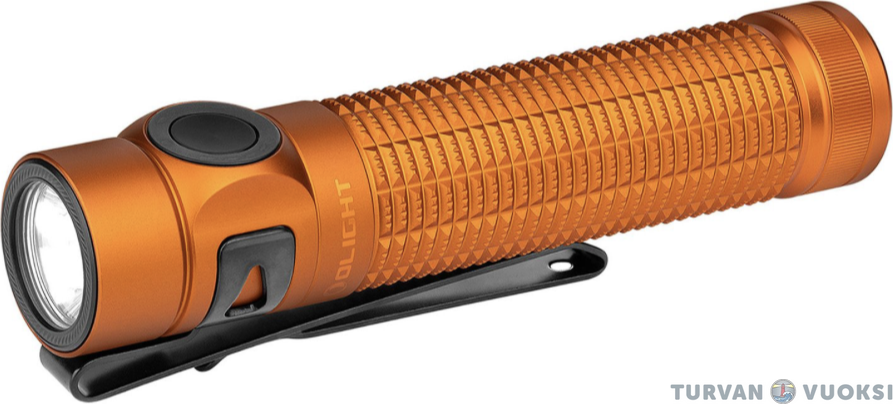
Olight Baton 4 Pro – Pocket-sized performance and reliable durability
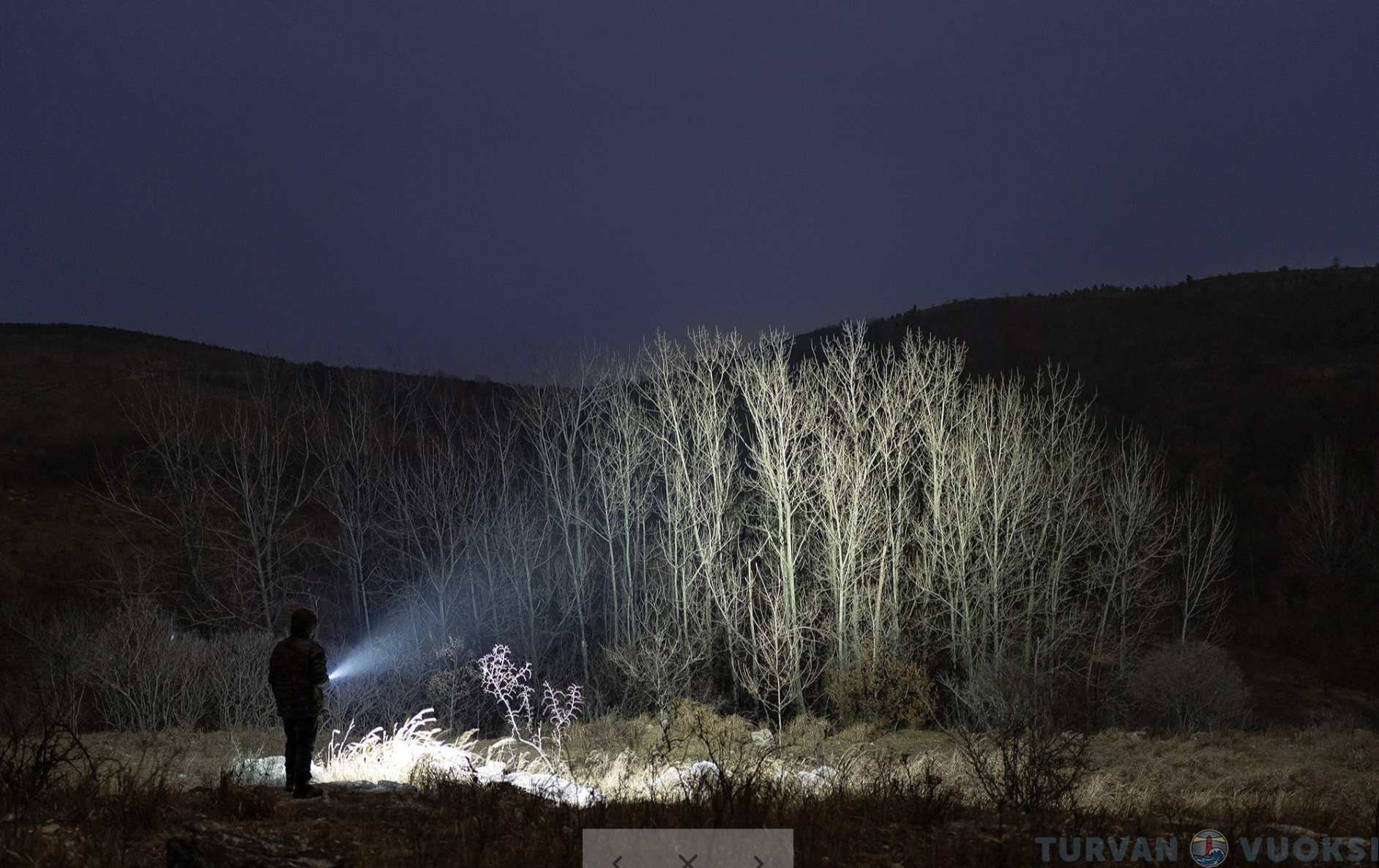
Are you looking for a reliable flashlight for work, hiking, or everyday carry? The compact and lightweight Olight Baton 4 Pro delivers an impressive 1600-lumen output for its size, along with a combination beam that reaches up to 200 meters. Thanks to the bright hotspot and wide spill, you can clearly see your surroundings at both close and long ranges.
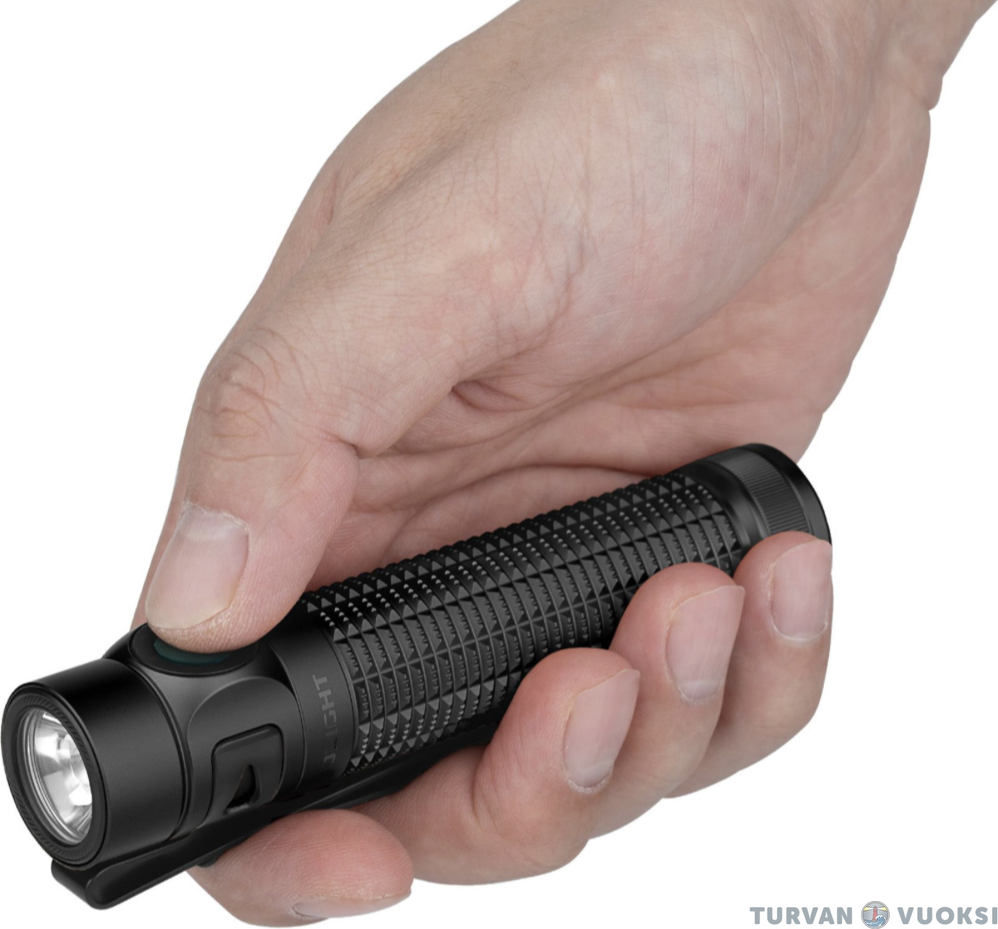
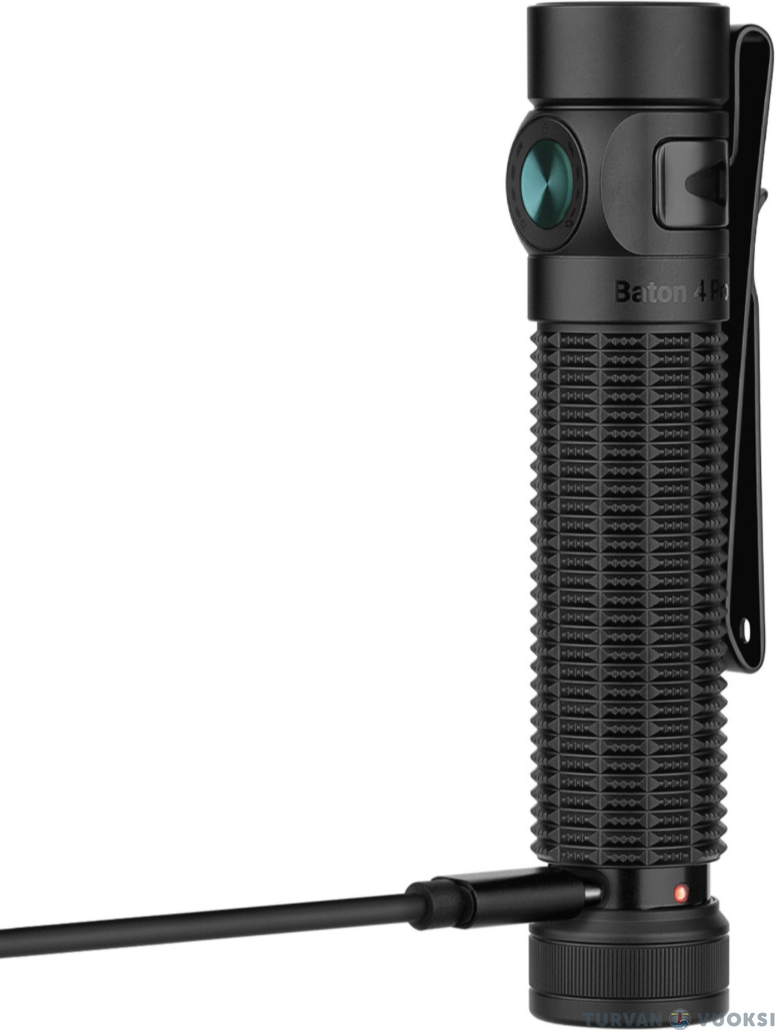
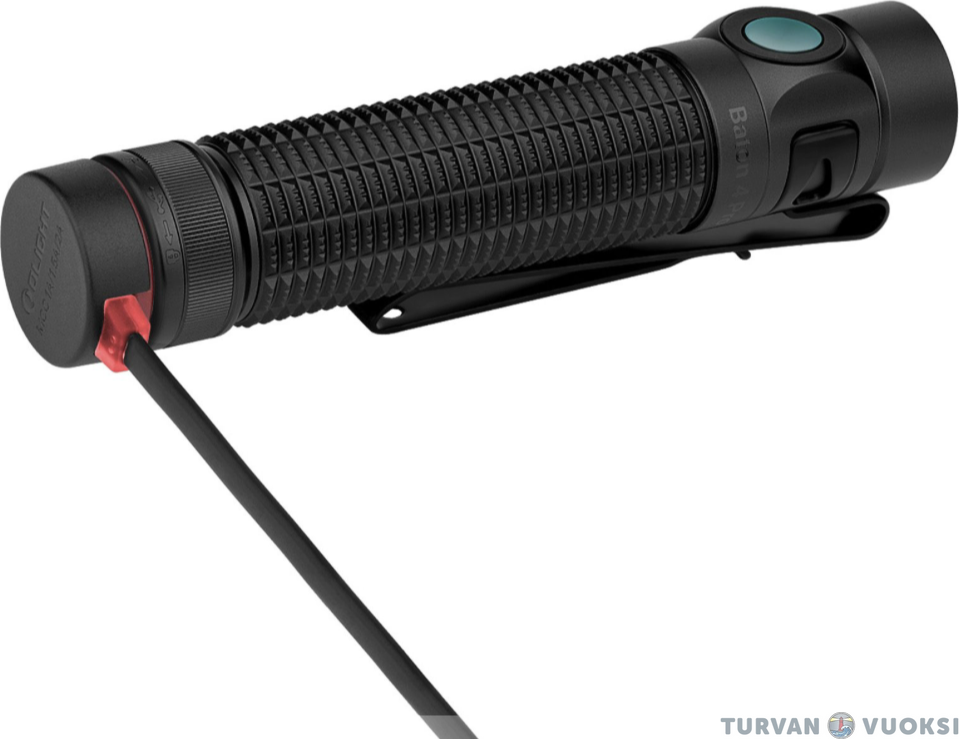
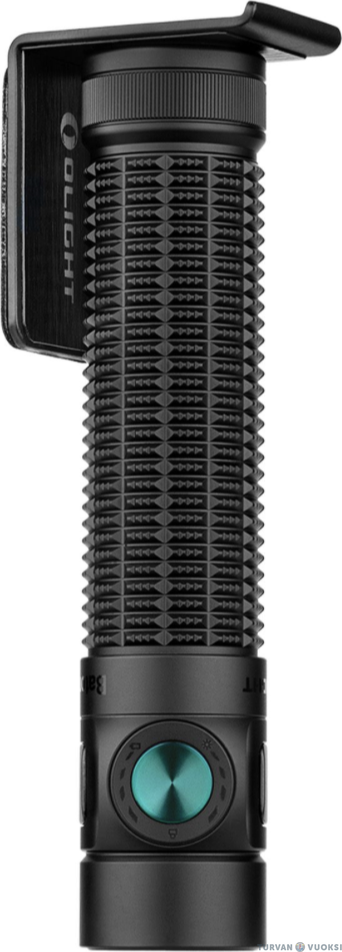
The flashlight’s design prioritizes ease of use and versatility. An integrated pocket clip and a magnetic tail cap allow the light to be attached to gear, a belt, or any metal surface—freeing up your hands for the task at hand. The precision-textured grip ensures a secure hold, even when wearing thick mittens.
Key features:
Top-tier performance: Max. 1,600 lm light output and 200 m range.
Effortless user interface: All functions are controlled with one hand via the switch on the light head. Indicator lights on the switch display the battery level, brightness level, and lockout status.
Dual charging: The included 18650 battery charges conveniently via the tail cap using a magnetic charging cable, or alternatively through the USB-C port on the body using, for example, a phone charger (USB-C cable sold separately).
Withstands heavy use: The anodized aluminum body is shock- and water-resistant (IPX8 rating; withstands submersion to a depth of 2 meters).
Long warranty: The manufacturer provides a full 5-year (60-month) warranty for the luminaire.
The Olight Baton 4 Pro is a reliable choice for anyone demanding maximum power and uncompromising durability from a compact flashlight, regardless of the conditions.
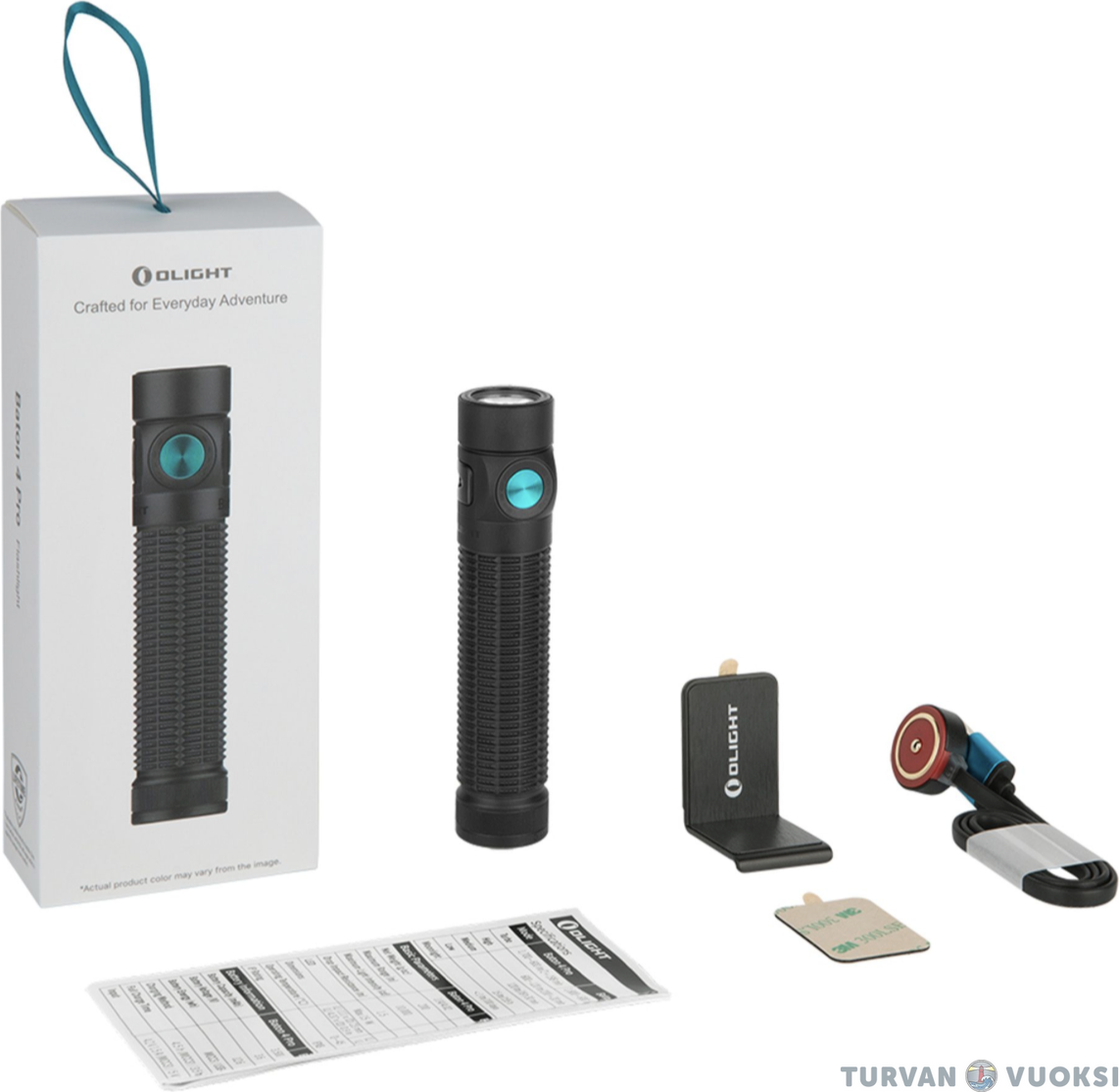
Olight Baton 4 Pro package contents:
- 1 x 18650 Li-ion battery, 3500 mAh
- Magnetic charging cable
- Wall mount
- Instructions for use
Technical specifications:
- Make and model: Olight Baton 4 Pro
- Battery: 3500 mAh, 3.6V 18650 Li-ion (included)
- Maximum light output specified by the manufacturer: 1600 lm
- Manufacturer-specified range: 200 m
- Beam pattern: Combo
- Operating modes: 5 + 1 brightness levels + Strobe
- Switch: On the side of the luminaire
- Charging: Magnetic charging via the tail cap OR USB-C charging
- Charging time: approx. 4.5 h
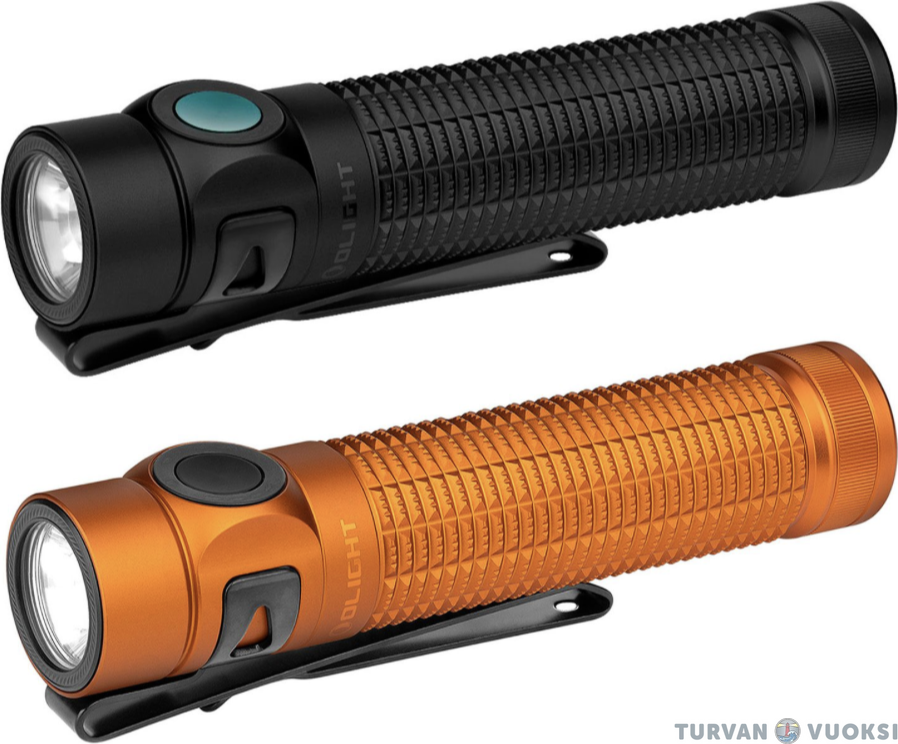
- Color: Orange
- Material: Hard-anodized aluminum
- Dimensions: 111 x 23 mm (Length x Width)
- Weight (with battery): 114 g
- Impact resistance: 1.5 meters
- IP rating: IPX8
- Warranty: 60 months
Operating times (specified by the manufacturer)
- Turbo: 1600 lm -> 600 lm / 2 + 198 min
- High: 600 lm -> 120 lm / 200 + 20 min
- Medium: 120 lm / 18 h 30 min
- Low: 15 lm / 155 h
- Moon: 1 lm / 100 days
Quick Start Guide
Getting started: Unscrew the light body and remove the insulating film between the battery and the light. Screw the body back on tightly before use.
Operation and power mode selection:
Power (On/Off): Turn the light on or off by pressing the switch once.
Changing brightness modes: With the light on, press and hold the switch. The light cycles through the modes: Low -> Medium -> High. Release the switch at the desired brightness level.
Turbo mode: Double-click the switch (the light can be on or off). You can return to the normal modes by holding down the switch.
Moonlight mode: When the light is off, press and hold the switch for about one second.
Strobe: Triple-click the switch at any time to turn on the strobe light.
Button lock: Activating and unlocking: With the light turned off, press and hold the switch for approximately 2–3 seconds until the light turns on briefly and then turns off. Unlock by following the same procedure. Alternatively, the lock can be disengaged by removing the battery briefly.
Charging the battery: Magnetic charging: Connect the USB end of the charging cable to a power source and the magnetic end to the flashlight's tail cap. The indicator light on the cable shows the charging progress.
USB-C charging: Twist the tail cap half a turn clockwise to expose the USB-C charging port on the body, and connect the charging cable.
Weight
0,114 kg
Warranty
60 month(s)
CommentsAdd a comment
